
85% of Indian business WhatsApp inquiries go unanswered for over 2 hours. In a market where customers simultaneously message 5 different businesses, the first to reply wins. A WhatsApp chatbot for your business solves this — but there is a major difference between a basic keyword bot and a real AI chatbot. This guide covers what to choose, how to set it up, and what results to expect in India.
Three Types of WhatsApp Chatbots
Type 1: Menu/button bots — Customers tap pre-defined options. Works for simple FAQ menus but frustrates customers the moment their question does not fit a button.
Type 2: Keyword-trigger bots — Replies when specific words are detected (e.g. 'price', 'discount'). Most tools selling 'chatbots' in India deliver this type. Falls apart for any complex or differently-phrased query.
Type 3: Real AI chatbots (GPT-4o or Gemini powered) — Understands natural language in any form. Handles Hindi, Hinglish, Urdu, Arabic. Maintains conversation context. Can qualify leads, send payment links, and create tasks.
When Indian SaaS vendors sell 'AI chatbots', always ask: is this LLM-powered (Type 3) or keyword-based (Type 2)? Most are Type 2.
What a Real AI WhatsApp Chatbot Does for Indian Businesses
Real AI chatbot actions from WhatsGrow AI customers in India:
Real estate (99acres/MagicBricks leads):
- Responds in under 5 seconds at 2am when portals push new leads
- Qualifies budget (in Rs.), location, BHK preference, and timeline
- Marks lead as hot/warm/cold in CRM automatically
- Books site visits in the agent's calendar
Healthcare clinics:
- Answers FAQs about procedures, costs, and doctor availability 24/7 in Hindi and English
- Collects patient details before routing to staff
- Sends appointment reminders that cut no-shows by 50%
Education (coaching institutes):
- Answers batch timing, course, and fee queries instantly
- Collects student details and target exam for admissions team
- Follows up with demo class invitations automatically
India-Specific Features to Look For
Not all WhatsApp chatbots are built with Indian needs in mind. Look for:
- Hindi and Hinglish support: 'Iska price kya hai?' should work as well as 'What is the price?' — GPT-4o and Gemini handle this naturally
- Rs. pricing context: AI should reference INR pricing, not dollars
- Razorpay integration: Collect payments in Rs. inside the chat
- IST timezone awareness: AI should know when to escalate based on business hours
- High-volume capacity: Indian businesses often receive hundreds of daily inquiries — the platform must handle this without throttling
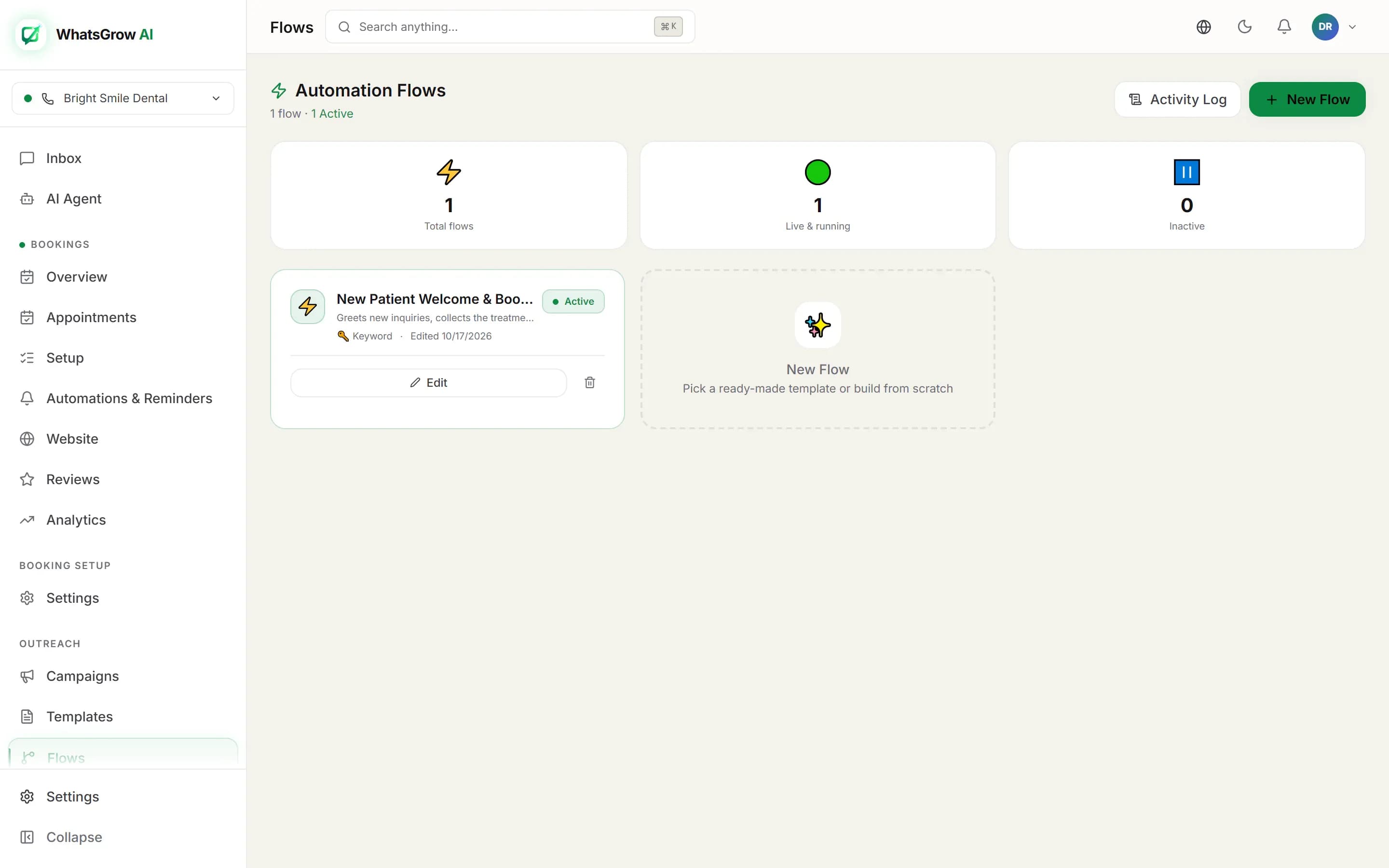
Step-by-Step Setup in India
Step 1 — Get WhatsApp API access (15 min):
Sign up at whatsgrowai.com → Settings → Channels → Add WhatsApp Number → Connect Meta Business Account.
Step 2 — Create your AI agent (10 min):
Settings → AI Agents → Create Agent. Set name, language (Hindi + English), system prompt, and tools (CRM update, task creation, Razorpay payment link).
Step 3 — Upload knowledge base (5 min):
Upload price list, product brochure, FAQ document as PDF or text file.
Step 4 — Test with 20 realistic messages:
Test in Hindi, English, and Hinglish. Refine the system prompt based on any incorrect responses.
Step 5 — Enable and monitor:
Go live. Review conversations in the inbox daily for the first week to tune the AI.
Expected Results in the First 30 Days
WhatsGrow AI customer results in India after setting up AI chatbots:
- Response time: From 2-4 hours average to under 30 seconds
- AI handling rate: 65-80% of routine queries handled without human involvement
- Lead qualification: Sales team only handles pre-qualified warm and hot leads
- Lead capture: 3x more leads reached because AI responds at all hours
- Customer satisfaction: Faster response times improve Google and JustDial review scores
AI chatbots improve over the first 2-4 weeks as you refine the system prompt based on real conversations.
WhatsApp Chatbot Pricing for Indian Businesses
Total monthly cost estimate:
- Platform (WhatsGrow AI): $19-$49/month
- Meta API fees: Rs. 0.8631 per delivered marketing message in India (Meta rate card, 1 Oct 2026); free-form replies are free only for the first 1,000 per number each month, then Rs. 0.115 each
- AI API (OpenAI/Google): $5-$30/month depending on conversation volume
For a small business with 500 conversations/month: $19–$49/month platform plus Meta per-message fees.
Comparison: one sales agent in India costs Rs. 20,000-Rs. 50,000/month and handles maybe 100 conversations/day. AI handles unlimited conversations 24/7.